Posted on Leave a comment

TENS Pads Placement Position

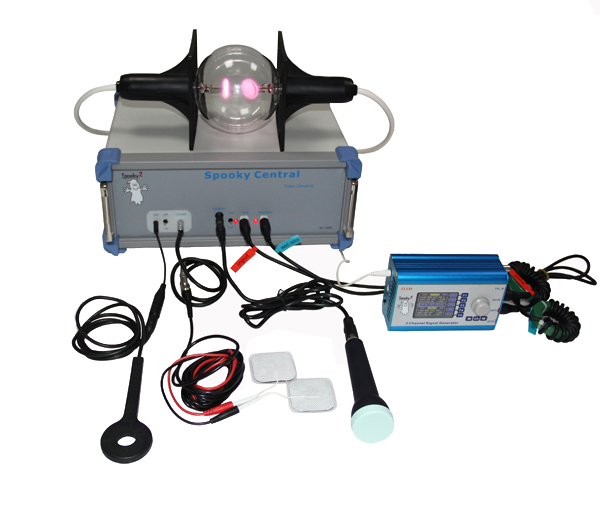
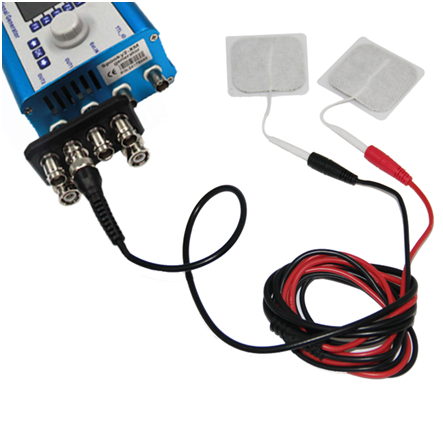
Spooky2 and Healy contact mode are attached with TENS Pads which are the most popular and effective accessories. With TENS Pads, you can enjoy accurate, precise and comfortable frequency energy for localized health problems. They are also ideal for prolonged treatments and easy biofeedback scans via contact mode.

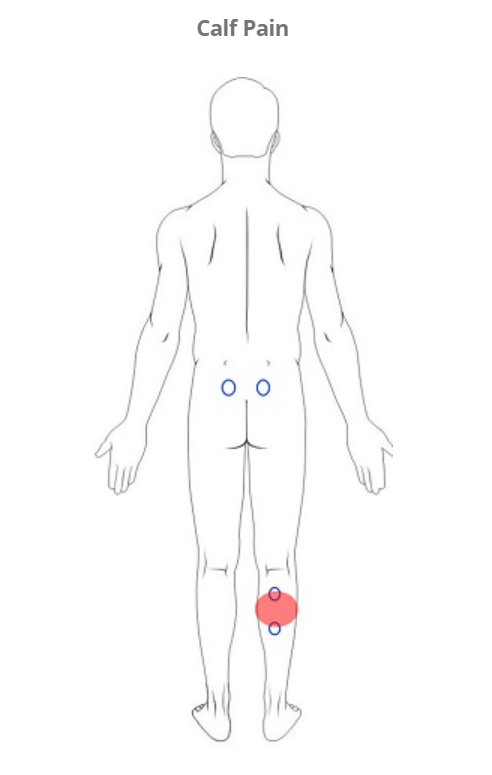
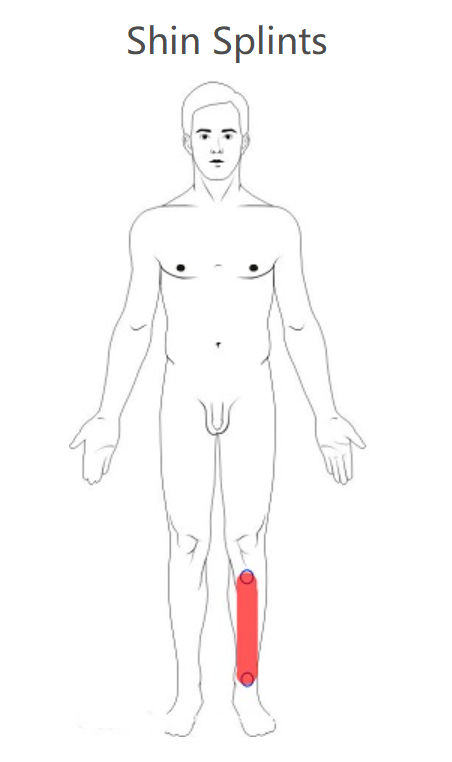
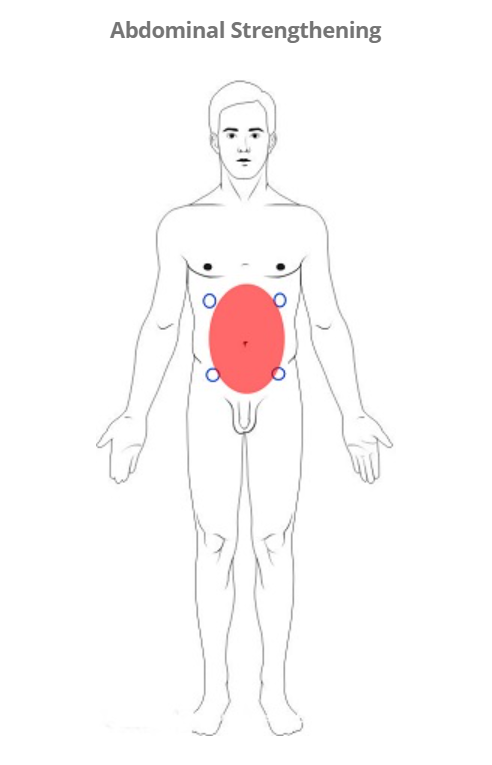
The TENS Pads Placement Position is really a personal choice, placing the pads on the left ankle and right wrist is a popular choice for the entire body, in this way the current can flow from one end of the body to the other, And provide energy coverage as much as possible.

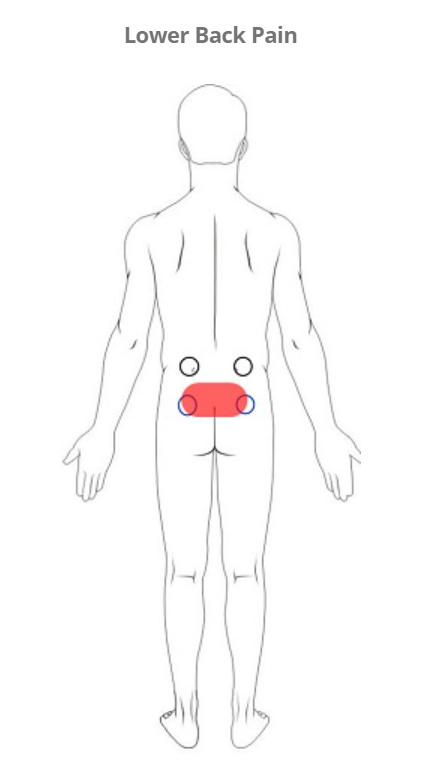
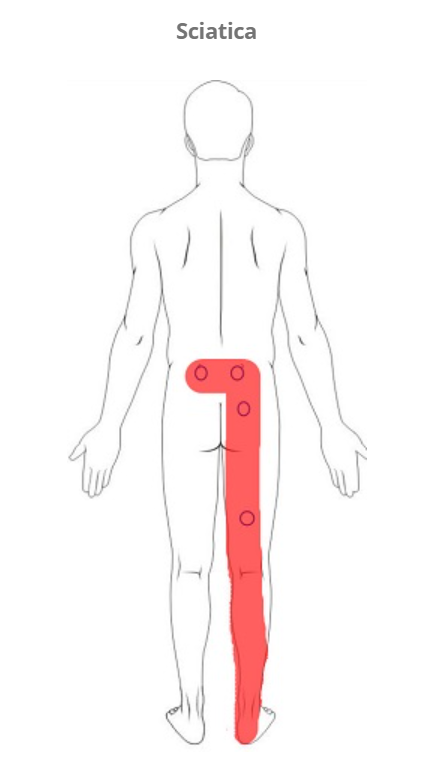
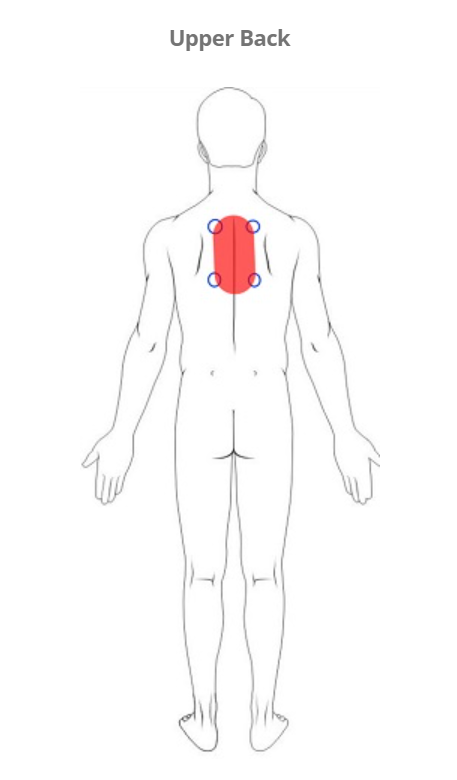
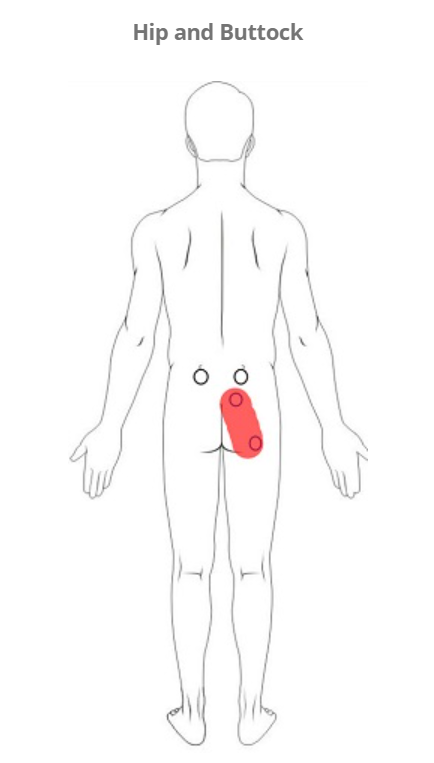
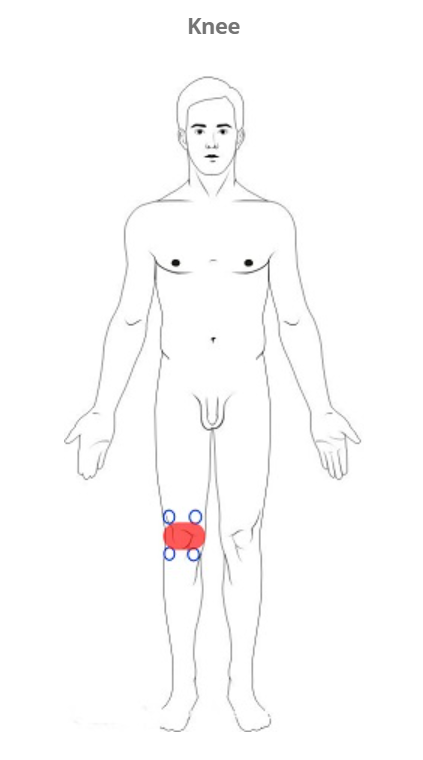
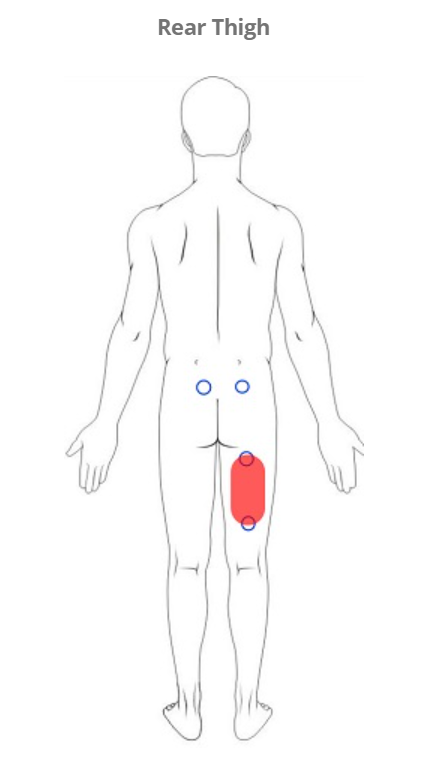
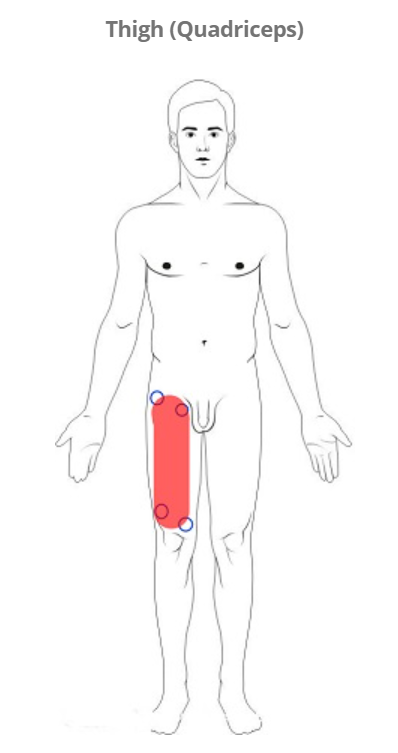
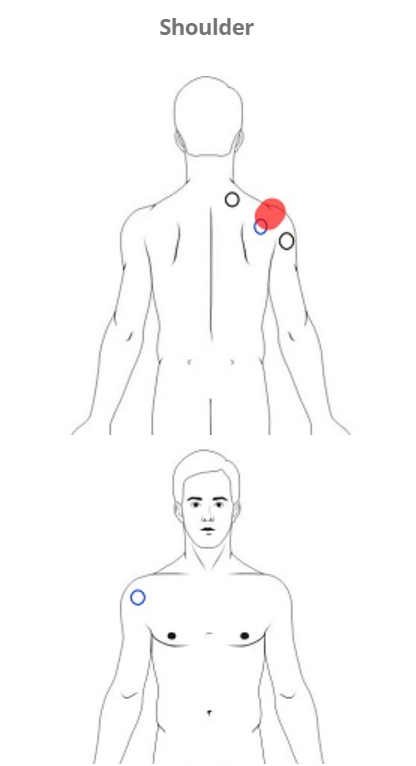
If you have a known target area to address, the best location for the TENS Pads is to bisect the problem area. For the area above the shoulders, it is stated that TENS Pads should not be used directly, as you do not want to send electricity through the head, there is also the problem of resonating the area around the carotid artery, as it may lock the neck muscles and limit the flow to the brain blood. Best Place to Place TENS Pads Place the pads on the painful area. You should try to maintain a distance of at least 5 cm between electrodes.

  • For spinal pain, place the pad on either side of the spine.
  • For leg pain, place mats on the sides of your lower back.
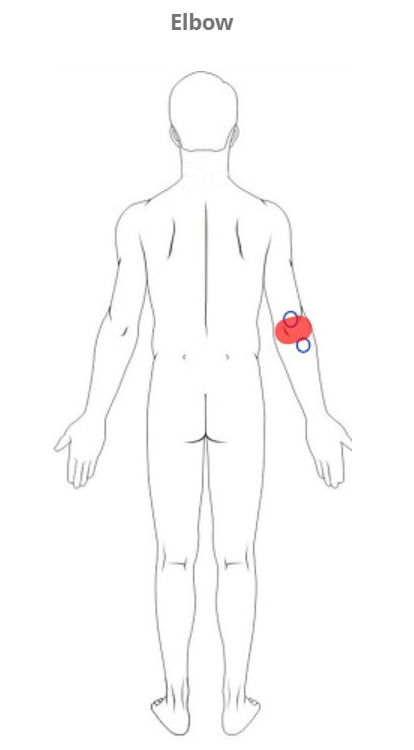
  • For arm pain, place a mat on the hand of the sore arm.

Where not to place TENS Pads:

  • Never place pads on your eyes, over your heart, or over your shoulders.
  • Avoid hairy areas, open wounds, and scarred skin areas.
  • Never place the pad directly on your joints; this includes your elbows, knees, and ankles.
  • The pads should never be used when wet and must be set aside to dry before starting to use the TENS Pads device.
  • Never use a damaged pad, try to use a new pad before running another frequency program.
Posted on Leave a comment

Tens Pads Contact Mode Feature for Spooky2 Plasma Device

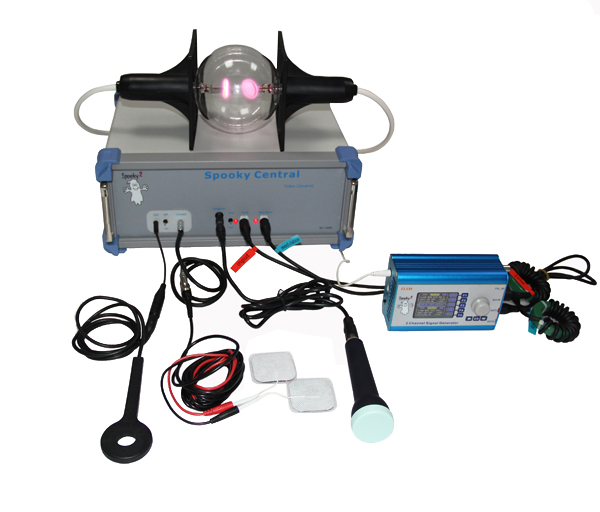
Using the Tens Pad contact mode connection of the Plasma Central Box, you only get one frequency which opens the cell walls for better penetration and it works in combination with the plasma bulb or light pipe to make the cells of your body more receptive to the various aspects treatment frequency of the plasma.

Posted on Leave a comment

Youtube Frequency Healing for Autism

Autism is a developmental disorder that affects communication and social interaction, and in many cases, people with autism may also experience sleep problems and irritability. Experts are still unable to pinpoint the exact cause of autism, but research suggests that both genetic and environmental factors may determine the development of autism. Current treatments for autism aim to reduce symptoms that interfere with daily functioning and improve the patient’s quality of life, and common approaches include therapies such as behavioral therapy, physical therapy, and speech therapy.

Welcome to listen to the following youtube frequency videos will help relieve excessive worry, stress or emotional reactions, and inattentive behavior, it is recommended to listen to at least 2-3 times a day, keep the medium volume at a comfortable level to prevent any hearing damage, make sure you have enough lemonade or purified water to flush the toxins out of your body.

Posted on Leave a comment

Remove Mold Using Spooky2

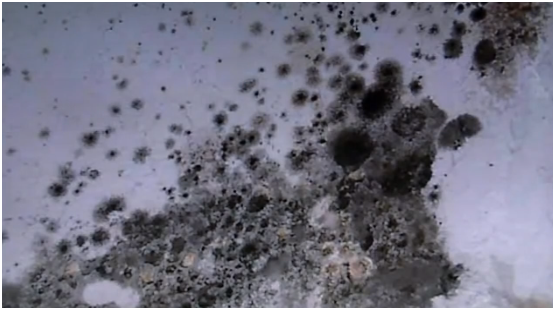
Spooky2 can help you remove mold in your house, such as: the wall or ceiling in the kitchen or bathroom; Spooky2 can also remove mold in your body, thereby effectively reducing the physical symptoms caused by mold. Spooky2 has two functions to remove the effects of mold: 1. Kill mold in living area; 2. Restore health caused by mold. The entire process is described in two parts below.

Part 1: Killing Mold in Living Areas

1.1 Using Spooky2 Remote Hardware: Find black mold in your living area, wipe it with washi tape, and put it into your Spooky2 Remote v2.0 to kill mold spores in your living environment, basement, car, etc., Then connect Remote v2.0 to your generator. (Note: Wear a dust mask and avoid inhaling spores when obtaining mold labels.)

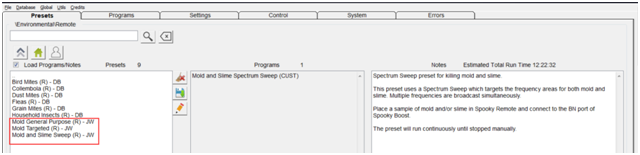
Start the Spooky2 software, go to the Presets tab, click >Environmental >Remote, and select the preset you want according to the Notes on the right. Now go to the Control tab, tick the Overwrite Generator checkbox, and select your Generator port. Click the Start button to run the preset. Keep running it until it succeeds.

1.2 Using a plasma device: You can use a plasma light tube to irradiate the mold area, and run the “Mold and Slime 2 Day Home Treatment (P)-JW” program in ion mode (“Mold and Slime 2 Day Home Treatment (P)-JW”) >Environmental >Plasma > directory), two days per session, run it until the mold is gone, we recommend leaving the room when you are removing mold at home.

Part 2: Help your body with health problems caused by mold

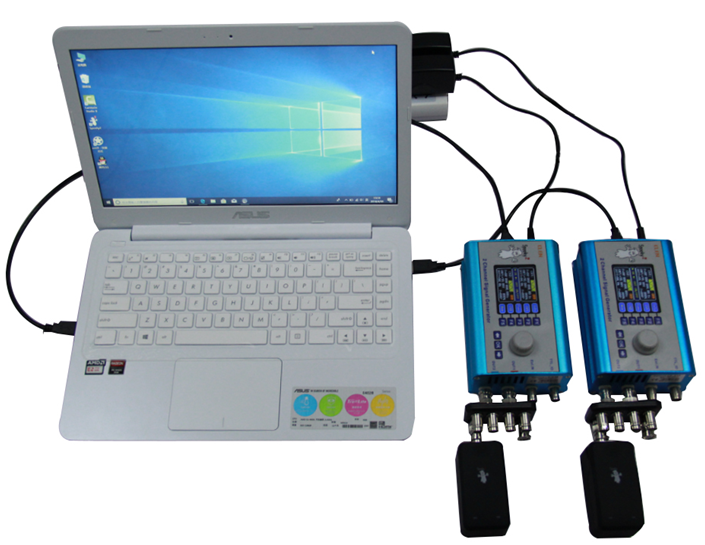
2.1 Using Spooky2 Remote hardware: Connect three remotes to three generators, use your nails as DNA samples, cut three pieces of nails, and place one in each Spooky2 remote.

2.1.1 Generator A: Kills mold in the body Go to the Presets tab, click >Shell (Empty) Presets >Remote >Killing (R) – JW Then go to the Programs tab, search for “Mold” and select the appropriate program based on the program description, now go to the Controls tab, Tick ​​the Override Builder checkbox and click the pink/red Builder button.

2.1.2 Generator B: Helps with symptoms caused by mold Go to the Presets tab, click >Shell (Empty) Presets >Remote >Healing (R) – JW See the list of symptoms caused by mold, search the Spooky2 database in the Programs tab to find the appropriate program, here is People select from the Spooky2 database, then go to the control tab, tick the Override generator checkbox, and click the pink/red generator button, run these programs continuously using Spooky2 Remote v2.0 until your symptoms disappear .

2.1.3 Generator C: Detox Go to the Presets tab, click >Detox >Remote, select the preset you want according to Notes (if you don’t know which one to choose, I recommend Detox Maintenance (R) – JK), then go to the Control tab, check Override Builder checkbox and click the pink/red Builder button to run the detox preset.

2.2 The operation of 2.1.1-2.1.3 introduced above requires 3 generators, one for killing the internal mold, one for curing symptoms caused by mold, and one for detoxification, if you only have two Generators, you can group two presets from Generator A and Generator B into a preset chain, which also works. Besides, besides using Remote, you can also use Contact mode, PEMF coil or Scalar mode to deal with body problems.

Posted on Leave a comment

Install Spooky2 software

Spooky2 has the world’s largest database of frequencies of various pathogens, and you can download the Spooky2 software for free to see if the frequencies you need are included. The hardware requirements to run Spooky2 are very low, any machine that can run a windows operating system can run Spooky2, of course, the more powerful the machine, the faster it can handle growing databases while performing searches, otherwise, the main limitation in terms of performance is the quality of the USB bus used by the machine.

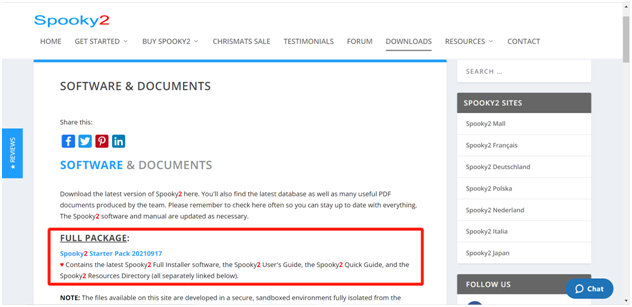
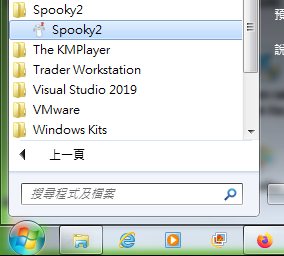
If you are new to Spooky2, you can download the Spooky2 Starter Pack from here https://www.spooky2.com/downloadspage/. After the download is complete, it is very simple to install the Spooky2 software in the Windows operating system, click “Spooky2 Starter Pack” Install the program, from this moment on you can change your internet connection to offline and turn off your virus protection to avoid any unexpected problems. After expanding “Spooky2 Starter Pack”, there will be a file ending with “Spooky2_Setup_yyymmdd.exe”, click it to continue the installation, after the installation is complete, the following icons and programs will appear.